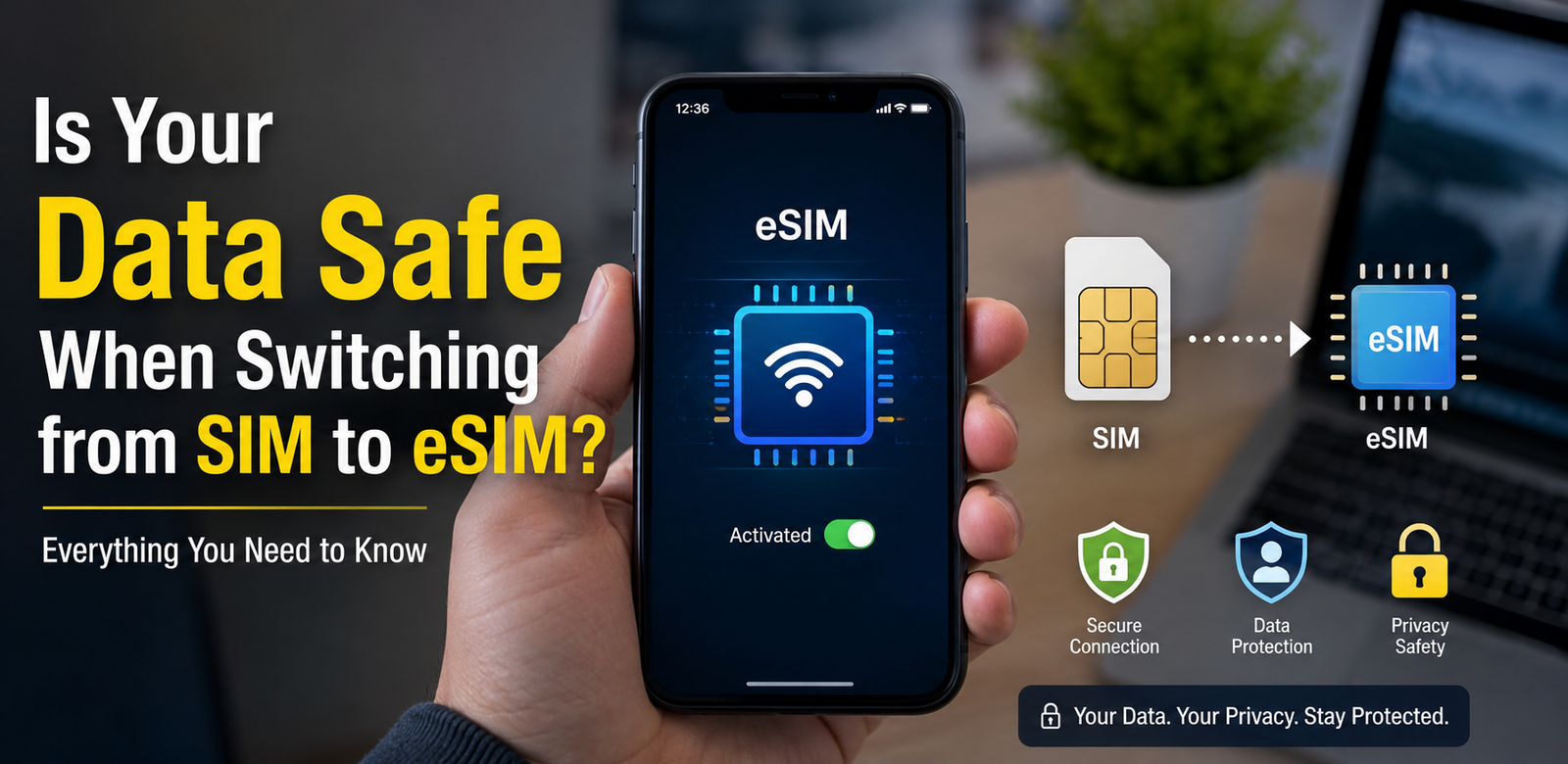
Is Your Data Safe When Switching from SIM to eSIM? Complete Security Guide
Understanding eSIM Security Before You Make the Switch

As smartphones continue to evolve, eSIM technology is becoming the new standard for mobile connectivity. Many flagship devices now support eSIM, allowing users to activate a mobile plan without inserting a physical SIM card. However, one common concern remains: Is Your Data Safe When Switching from SIM to eSIM?
The short answer is yes. In most cases, switching from a traditional SIM card to an eSIM is secure and does not expose your personal data. Your contacts, photos, apps, and files remain stored on your device or cloud account—not on the SIM itself. This guide explains how eSIM works, what happens during the switch, and how to protect your information throughout the process.
What Is an eSIM?
An eSIM (Embedded Subscriber Identity Module) is a digital version of a physical SIM card. Instead of inserting a plastic card into your phone, your mobile carrier activates a secure digital profile directly on the device.
Modern smartphones, tablets, smartwatches, and laptops increasingly support eSIM technology.
Benefits of eSIM
- No physical SIM card required
- Easy carrier switching
- Supports multiple mobile plans
- Better protection against SIM theft
- Ideal for international travel
- Faster activation process
Is Your Data Safe When Switching from SIM to eSIM?
Yes. Switching from SIM to eSIM does not erase your personal data.
Your important information—including:
- Photos
- Videos
- Contacts (if stored on your device or cloud)
- Messages
- Apps
- Documents
- Settings
remains on your phone.
The SIM card mainly stores your mobile subscriber identity and authentication information, not your personal files.
What Information Is Stored on a SIM Card?
A traditional SIM card typically stores:
- Mobile phone number
- Carrier information
- Subscriber authentication
- Limited contacts (older phones)
- SMS storage (older devices)
It does not store:
- Photos
- Videos
- Installed apps
- Passwords
- Documents
- Social media accounts
Therefore, moving to an eSIM generally has no impact on your personal data.
How Does the SIM to eSIM Transfer Work?
The transfer process usually involves:
- Contact your carrier.
- Request eSIM activation.
- Scan the provided QR code or activate through the carrier app.
- Install the eSIM profile.
- Confirm activation.
- Disable or remove the physical SIM if required.
The process usually takes only a few minutes.
Is eSIM More Secure Than a Physical SIM?
In many situations, yes.
Better Protection Against Theft
A thief cannot simply remove your eSIM from the phone like a physical SIM card.
Reduced Risk of SIM Swapping
Many carriers require identity verification before transferring an eSIM profile, making unauthorized SIM swap attacks more difficult.
Secure Hardware
eSIM profiles are encrypted and stored within a secure hardware component inside the device.
Possible Risks When Switching
Although the process is generally safe, some risks still exist.
Fake QR Codes
Only use activation codes provided by your mobile carrier.
Phishing Attacks
Never share:
- Verification codes
- Carrier passwords
- One-time passwords (OTP)
Public Wi-Fi
Avoid activating your eSIM on unsecured public Wi-Fi networks.
Device Theft
Enable screen lock and Find My Device features before switching.
Tips to Keep Your Data Safe
Follow these best practices:
- Back up your phone before switching.
- Enable two-factor authentication.
- Use a strong screen lock.
- Update your phone software.
- Download carrier apps only from official app stores.
- Keep your recovery email secure.
- Avoid suspicious links and messages.
- Verify activation requests with your carrier.
Should You Back Up Your Phone?
Absolutely.
Although switching to an eSIM normally doesn’t erase data, creating a backup ensures you can restore your information if something unexpected happens.
You can back up:
- Photos
- Contacts
- Messages
- App data
- Device settings
Cloud backups make the process even easier.
What Happens to Your Phone Number?
Your phone number remains the same.
The carrier transfers your number from the physical SIM to the eSIM profile, so you usually won’t need to notify friends or update your accounts.
Can You Switch Back to a Physical SIM?
Yes.
Most carriers allow customers to move between eSIM and physical SIM if needed. Policies vary depending on the carrier and country.
Who Should Use eSIM?
eSIM is ideal for:
- Frequent travelers
- Business users
- Dual-SIM users
- Remote workers
- People upgrading smartphones
- Users who switch carriers often
Common Myths About eSIM
eSIM Deletes Your Data
False. Your files remain on your device.
eSIM Is Easier to Hack
False. eSIM uses strong encryption and secure hardware.
You Lose Your Contacts
False. Contacts stored on your phone or cloud remain unchanged.
eSIM Is Only for Premium Phones
False. Many mid-range smartphones now support eSIM technology.
Final Thoughts
If you’re wondering, Is Your Data Safe When Switching from SIM to eSIM?, the answer is yes for the vast majority of users. The switch is designed to be secure, convenient, and reliable. Your personal files stay on your device, while your mobile subscription moves to a protected digital profile. By backing up your phone, using official carrier activation methods, and enabling basic security features, you can confidently enjoy the benefits of eSIM technology.
FAQ
1. Does switching to eSIM erase my phone?
No. Your personal data remains on your device.
2. Will I lose my contacts?
No, especially if they are stored on your phone or cloud account.
3. Is eSIM safer than a physical SIM?
In many cases, yes. It offers stronger protection against physical SIM theft.
4. Can I keep my phone number?
Yes. Your carrier transfers your existing number.
5. Should I back up my phone first?
Yes. A backup is always recommended before making changes.
6. Can I use both SIM and eSIM together?
Many smartphones support Dual SIM with one physical SIM and one eSIM.
7. Can I switch back to a physical SIM later?
Yes, if your carrier supports it.
8. Does eSIM improve security?
Yes. Its encrypted digital profile and secure hardware help protect your mobile identity.