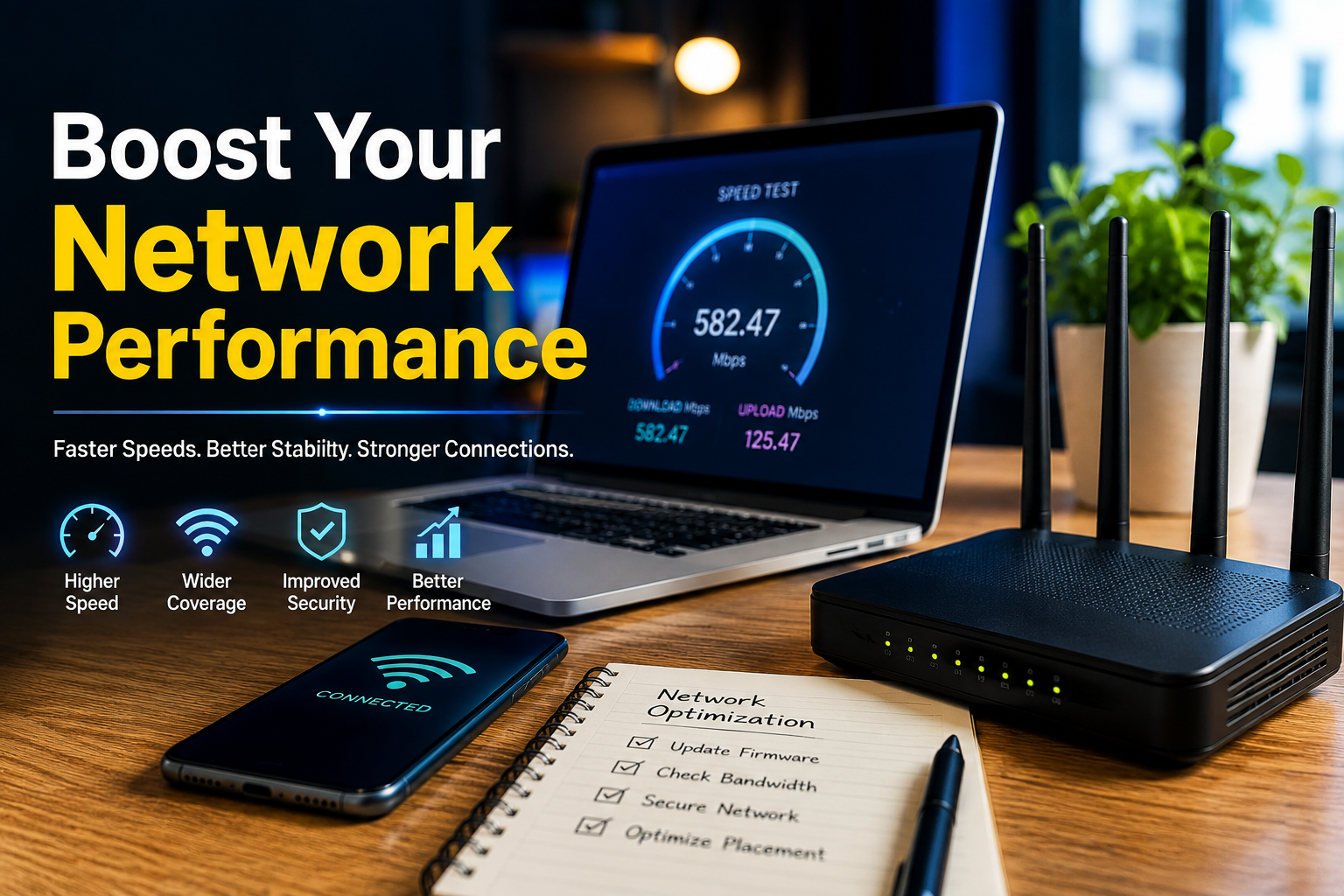
Boost Your Network Performance: Simple Ways to Get Faster, More Reliable Connections
Faster Speeds, Better Stability, Stronger Connections.

Introduction
A fast and reliable network is essential for modern homes, businesses, schools, and organizations. Whether you are streaming videos, attending online meetings, transferring large files, using cloud applications, or managing business systems, poor network performance can quickly become frustrating.
Table of Contents
ToggleThe good news is that you do not always need expensive equipment to improve your connection. By identifying network bottlenecks, optimizing hardware, improving Wi-Fi coverage, updating software, and monitoring performance, you can significantly Boost Your Network Performance.
What Does Network Performance Mean?
Network performance describes how efficiently data moves between devices, servers, and the internet. Several factors influence it, including speed, latency, bandwidth, packet loss, reliability, and network congestion.
A network with high bandwidth may still feel slow if latency is high or packets are being lost. Therefore, improving network performance requires looking at the complete network rather than focusing only on internet speed.
Common Causes of Poor Network Performance
Before making changes, it is useful to understand what may be causing the problem.
Network Congestion
When too many devices use the same connection at the same time, available bandwidth can become limited. Streaming, gaming, downloads, video conferencing, and cloud backups can all compete for network resources.
Weak Wi-Fi Signals
Distance from the router, thick walls, furniture, and interference from other wireless devices can reduce Wi-Fi quality. A weak signal often results in slower speeds and unstable connections.
Outdated Network Equipment
Old routers, switches, network adapters, and access points may not support modern performance standards. Replacing outdated equipment can improve both speed and reliability.
Background Applications
Devices may use bandwidth without the user realizing it. Automatic updates, cloud synchronization, backups, and large downloads can affect available bandwidth.
Poor Router Placement
Placing a router inside a cabinet, behind large objects, or in a distant corner can weaken wireless coverage. Router placement plays an important role in overall Wi-Fi performance.
Ways to Boost Your Network Performance
Upgrade Your Router
A modern router can provide better wireless coverage, improved device management, and support for newer Wi-Fi technologies. If your router is several years old, upgrading it may provide a noticeable improvement.
Choose a router based on your home or business size, number of connected devices, internet plan, and required wireless coverage.
Position Your Router Properly
Place the router in a central and elevated location whenever possible. Keep it away from thick walls, large appliances, metal objects, and sources of wireless interference.
For larger buildings, consider using mesh Wi-Fi or additional access points instead of relying on one router.
Use Wired Connections
Ethernet connections generally provide lower latency and greater stability than Wi-Fi. Devices such as desktop computers, gaming consoles, smart TVs, servers, and workstations can benefit from wired connections.
Using Ethernet for high-bandwidth devices also leaves more wireless capacity available for mobile devices.
Update Network Drivers and Firmware
Outdated router firmware or network adapter drivers can cause compatibility and performance problems. Regularly check for updates from the equipment manufacturer.
Firmware updates may also improve security, stability, and device management features.
Reduce Unnecessary Network Traffic
Review which devices and applications are consuming bandwidth. Pause unnecessary downloads, cloud backups, or updates during important activities such as online meetings or gaming sessions.
On business networks, traffic management and Quality of Service (QoS) settings can help prioritize important applications.
Improve Wi-Fi Channel Selection
Nearby wireless networks can interfere with each other, particularly in apartments, offices, and densely populated areas. Using a less congested Wi-Fi channel can sometimes improve connection stability.
Modern routers may automatically select channels, but advanced users can also analyze their wireless environment and adjust settings when necessary.
Secure Your Network
Network security and performance are closely connected. Unauthorized users connected to your Wi-Fi can consume bandwidth and create security risks.
Use a strong Wi-Fi password, modern encryption, and regularly review connected devices. Remove unknown devices and keep router security settings updated.
Monitor Network Performance
You cannot improve what you do not measure. Network monitoring tools can help identify slow devices, unusual traffic, packet loss, latency problems, and connection interruptions.
Useful measurements include:
- Download and upload speed
- Latency or ping
- Packet loss
- Wi-Fi signal strength
- Bandwidth consumption
- Connection uptime
- Device traffic
Monitoring these factors makes it easier to determine whether the problem is related to the internet provider, router, Wi-Fi environment, or individual device.
Improve Business Network Performance
Businesses often have more complex networking requirements than homes. Employees may depend on cloud platforms, VoIP services, video conferencing, remote access, databases, and shared applications.
Businesses can improve performance by separating important traffic, using managed switches, deploying multiple access points, implementing VLANs where appropriate, and monitoring network usage.
Regular maintenance is also important. A network should be reviewed as the organization grows because additional employees, devices, and applications can increase bandwidth requirements.
Consider Network Upgrades Carefully
Buying faster internet service is not always the first solution. If the existing router, cabling, wireless coverage, or network configuration is the actual bottleneck, a faster internet package may not solve the problem.
Start by identifying the weakest part of the network. Then upgrade the component that is limiting performance.
For example, if internet speeds are excellent near the router but poor in another room, improving Wi-Fi coverage may be more useful than purchasing a faster internet plan.
Simple Network Optimization Checklist
A few regular maintenance steps can keep your network performing well:
- Restart networking equipment when troubleshooting persistent issues.
- Keep router firmware updated.
- Update network adapter drivers.
- Remove unauthorized devices.
- Use Ethernet for bandwidth-intensive stationary devices.
- Place wireless equipment in suitable locations.
- Monitor bandwidth consumption.
- Replace damaged Ethernet cables.
- Review connected devices regularly.
- Test network performance after making major changes.
Conclusion
A reliable network is the foundation of a smooth digital experience. Whether you are managing a home connection or a growing business network, small improvements can make a significant difference.
To Boost Your Network Performance, start by identifying the source of slowdowns, optimize your router and Wi-Fi environment, use wired connections where practical, update equipment, reduce unnecessary traffic, and monitor performance regularly.
With the right combination of maintenance, configuration, and hardware, you can create a faster, more stable, and more dependable network without making unnecessary upgrades.